
Turn NotebookLM PDFs into editable PPT
Drop the exported PDF to convert it into a fully editable PPT and launch the online editor.
Files stay in your browser until the conversion finishes. We auto-delete after download.
NotebookLM PDF to PPT for collaboration
Use the NotebookLM PDF to PPT converter to share decks in seconds, collect comments, and keep NotebookLM PDF feedback in one place.
↗NotebookLM PDF to PPT with rich media
Our NotebookLM PDF to PPT converter lets you add icons, charts, animations, or video so every converted slide looks professional.
↗NotebookLM PDF to PPT for visual storytelling
The NotebookLM PDF to PPT converter helps you upload brand assets, fine-tune typography, and deliver presentations that hold attention.
↗NotebookLM PDF to PPT converter results
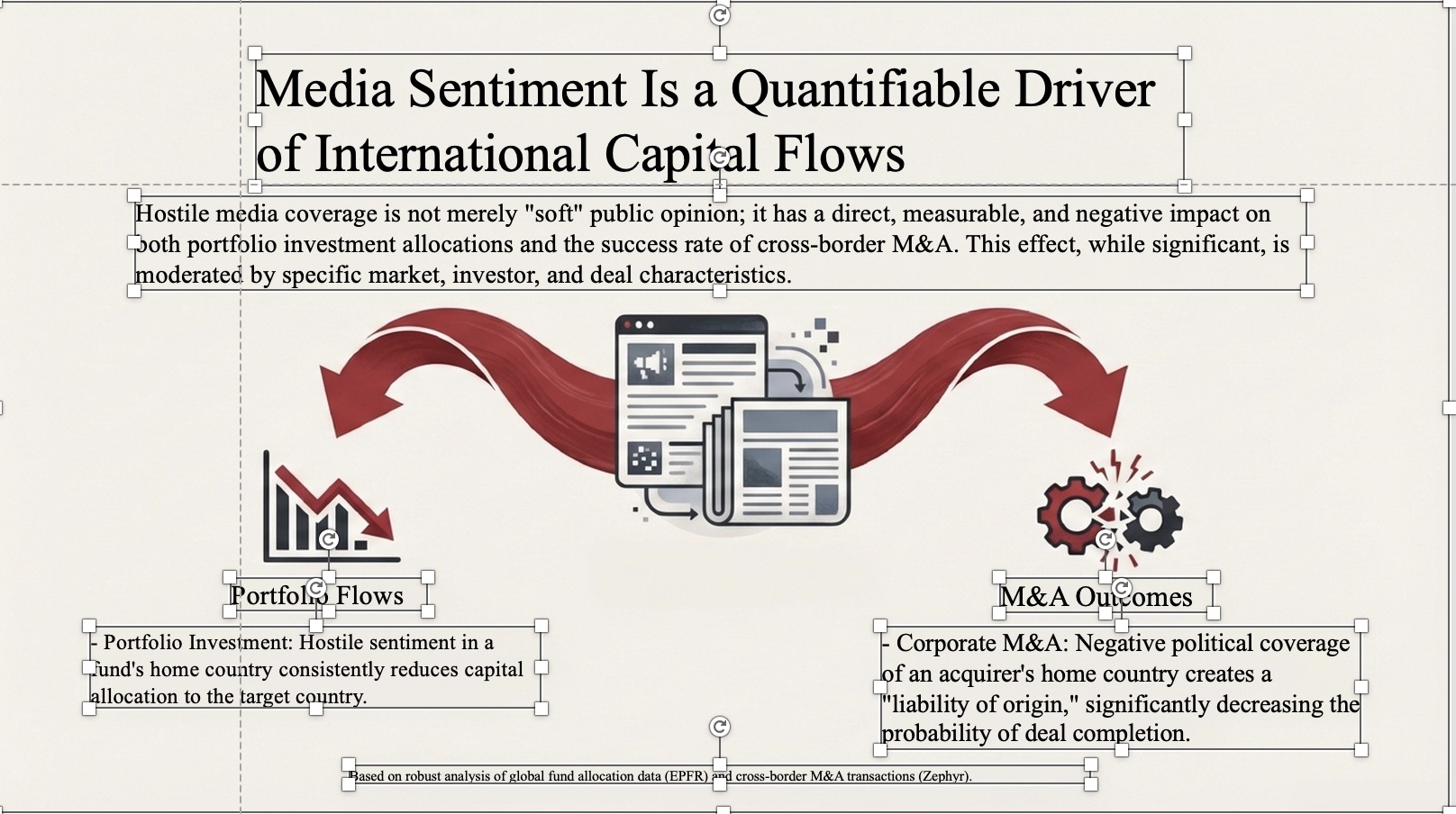
See how the NotebookLM PDF to PPT converter transforms your NotebookLM export into a clean, editable PowerPoint slide.

How to use NotebookLM PDF to PPT converter
Import
Step 01 · Upload to converter
Drop your NotebookLM PDF into the NotebookLM PDF to PPT converter and watch it rebuild into editable slides instantly.
Polish
Step 02 · Edit converted PPT
After the NotebookLM PDF to PPT converter processes your file, adjust layouts, update charts, and add icons.
Deliver
Step 03 · Download PPT
The NotebookLM PDF to PPT converter exports your file as PPTX. Select pages and download your converted presentation.
NotebookLM PDF Converter FAQ
How do I use the NotebookLM PDF to PPT converter?
Upload your NotebookLM PDF to the NotebookLM PDF to PPT converter, edit anything you like, then export to PPT with one click. The NotebookLM PDF to PPT converter works on desktop and mobile.
Why use the NotebookLM PDF to PPT converter?
The NotebookLM PDF to PPT converter lets you add animations, collaborate with teammates, and turn static NotebookLM PDFs into dynamic presentations.
Is the NotebookLM PDF to PPT converter free?
Yes, the NotebookLM PDF to PPT converter offers free basic conversion. Premium users get advanced features and higher file limits in the NotebookLM PDF to PPT converter.
What file formats does the NotebookLM PDF to PPT converter support?
The NotebookLM PDF to PPT converter accepts PDF files and exports to PPTX format compatible with Microsoft PowerPoint and Google Slides.